
Appearance
Your sending domain
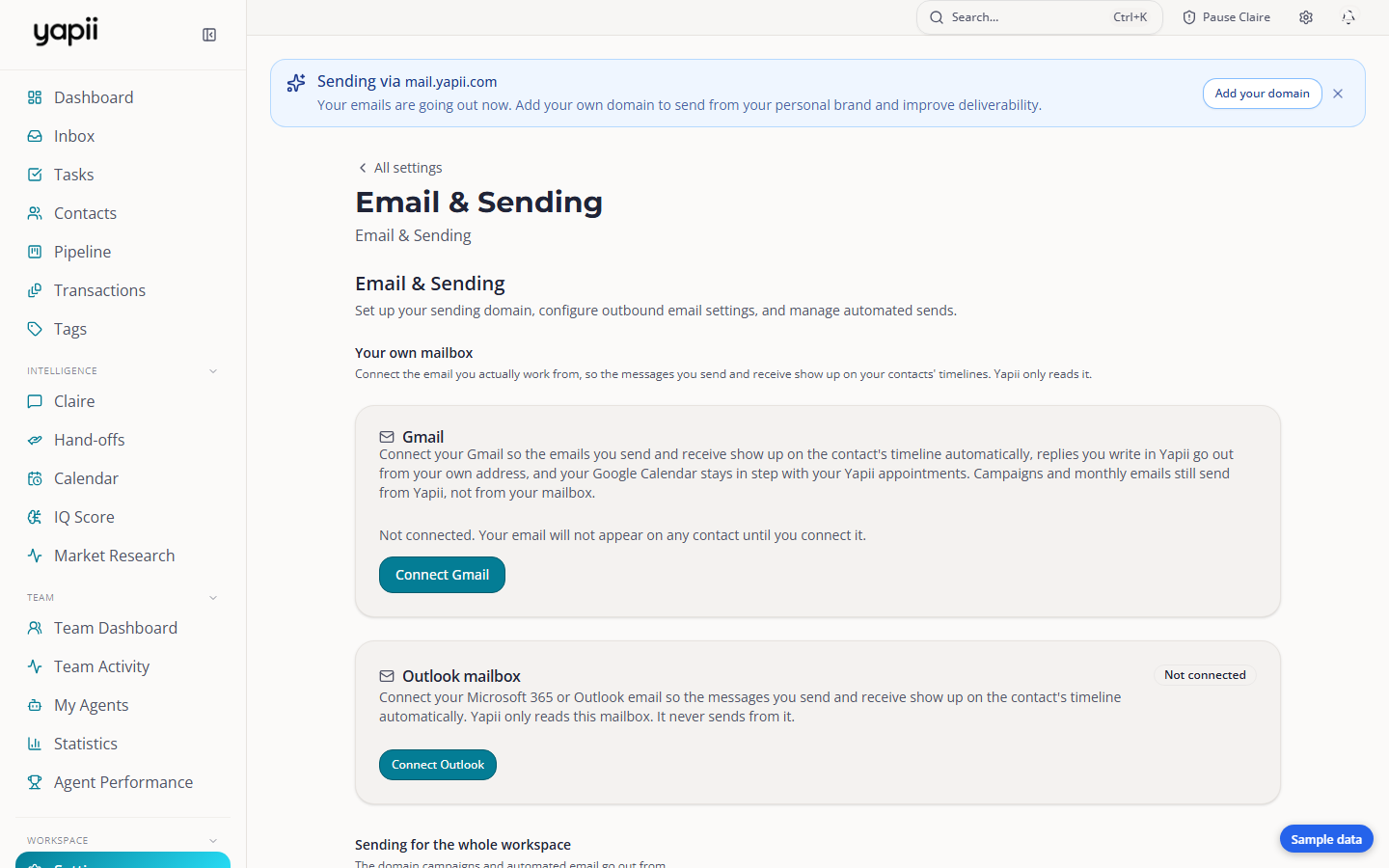
A sending domain is the web address your email comes from, for example mail.smithrealty.com. With one set up, your email shows your own brand and has a better chance of reaching the inbox.
Owners and admins
Sending domains are managed in Settings, under Email & Sending.
Why it matters
Until you add one, Yapii sends your email from its own shared sending domain. That works from day one, but:
- It doesn't carry your brand. Your own domain shows contacts the email is really from you.
- It builds your own reputation. Email services such as Gmail and Outlook decide whether to deliver an email partly on the reputation of the domain it came from. With your own domain, that reputation is yours.
Before you start
- Use a subdomain, not your main domain. For example
mail.yourbrokerage.comrather thanyourbrokerage.com. If something ever goes wrong with bulk email, your everyday email on the main domain stays safe. - Know where your domain's DNS is managed, for example GoDaddy, Cloudflare or your web host.
- Verify your own email address first. You can't add a domain until you have.
- Check your plan's limit: Operator and Builder plans include 2 sending domains; Expansion and above are unlimited.
Adding a domain
- Open Settings, then Email & Sending, and go to Sending domains.
- Type the full address, for example
mail.yourbrokerage.com, and add it. - Yapii shows a handful of DNS records. Add them where your domain is managed.
- A step-by-step guide is available for many popular providers.
- If your domain is on Cloudflare, GoDaddy or Hostinger, you can connect it and Yapii publishes the records for you.
- Click Check now. Checks usually pass within 5 to 30 minutes, but can take up to 48 hours. Yapii also keeps checking on its own.
- When the domain shows as verified, you're done. Yapii emails the owner when it goes live.
New domains start slowly
A brand-new domain has no reputation yet, so Yapii sends a limited amount from it at first and increases it over the following weeks. This protects the domain. Your mail still goes out in the meantime.
Troubleshooting
The domain won't verify.
- Wait: DNS changes can take up to 48 hours.
- Check each record was copied exactly. Many DNS panels add your domain name to the end of the host automatically, so you may only need the first part.
- On Cloudflare, the tracking record must be DNS only (gray cloud), not proxied (orange cloud).
I typed the domain wrong. Domains can't be renamed. Remove the wrong one and add the right one.