
Appearance
Calendar and appointments
The Calendar shows appointments with your contacts: the ones Claire booked, and any you add yourself.
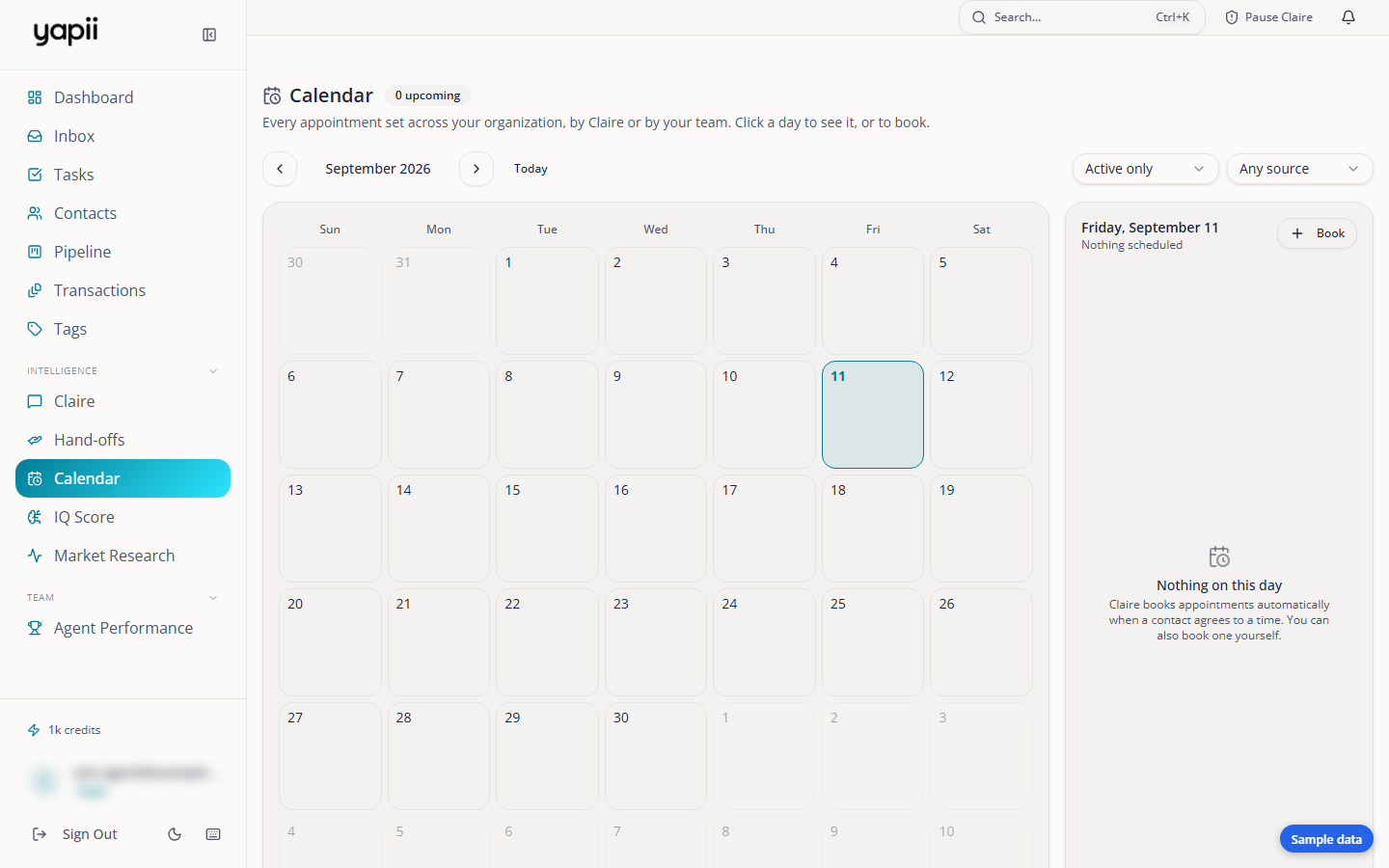
Around the Calendar
- A month view, with the selected day's appointments beside it.
- Filters:
- Status: shows active appointments by default.
- Agent: when your team has more than one person.
- Source: Booked by Claire or Added by hand.
- A count of upcoming appointments.
Booking an appointment
- Choose a day and click Book.
- Search for the contact, give the appointment a title, and choose the time, length and where it happens.
- Save.
Yapii won't let two appointments overlap for the same agent. If there's a clash, it tells you and suggests other times.
When an appointment is booked, changed or canceled:
- the contact gets a text if they agreed to texts, otherwise an email;
- the agent is notified in the app and by email, and so is the workspace owner.
On each appointment you can Confirm or Cancel.
Appointments Claire books
Claire books an appointment when a lead clearly confirms a time in their own words. If the time isn't clear, she asks for one. She only books inside your availability, and never for the same day. Each booking also creates a hand-off so you know about it.
Reminders and no-shows
- Contacts who agreed to texts get a reminder text the day before and another on the morning of the appointment.
- If an appointment is still marked as scheduled 30 minutes after it ends, Yapii marks it as a no-show and Claire reaches out to reschedule.
Your availability
Your available hours decide when appointments can be booked, including by Claire.
- Your own hours: set them in Settings, under Appointment Availability.
- The workspace default: owners and admins set it in the same place. It applies to anyone who hasn't set their own hours.
Hours are set in whole hours, with shortcuts such as weekdays or weekends.
Your Google or Outlook calendar
If you connect your Google or Outlook mailbox, Yapii reads your calendar. Your existing events count as busy time, so Claire doesn't book over them.